Short videos, written as code on your Mac.
Motion Studio turns a one-line idea into a finished motion piece: brief, storyboard, assets, build, review, render. Claude Code writes every piece as code, Chrome draws it frame by frame on the beat, and ffmpeg writes the file. It runs on your Mac, under your own Claude account.
macOS 14 or later, Apple Silicon and Intel. Signed and notarized with Apple.
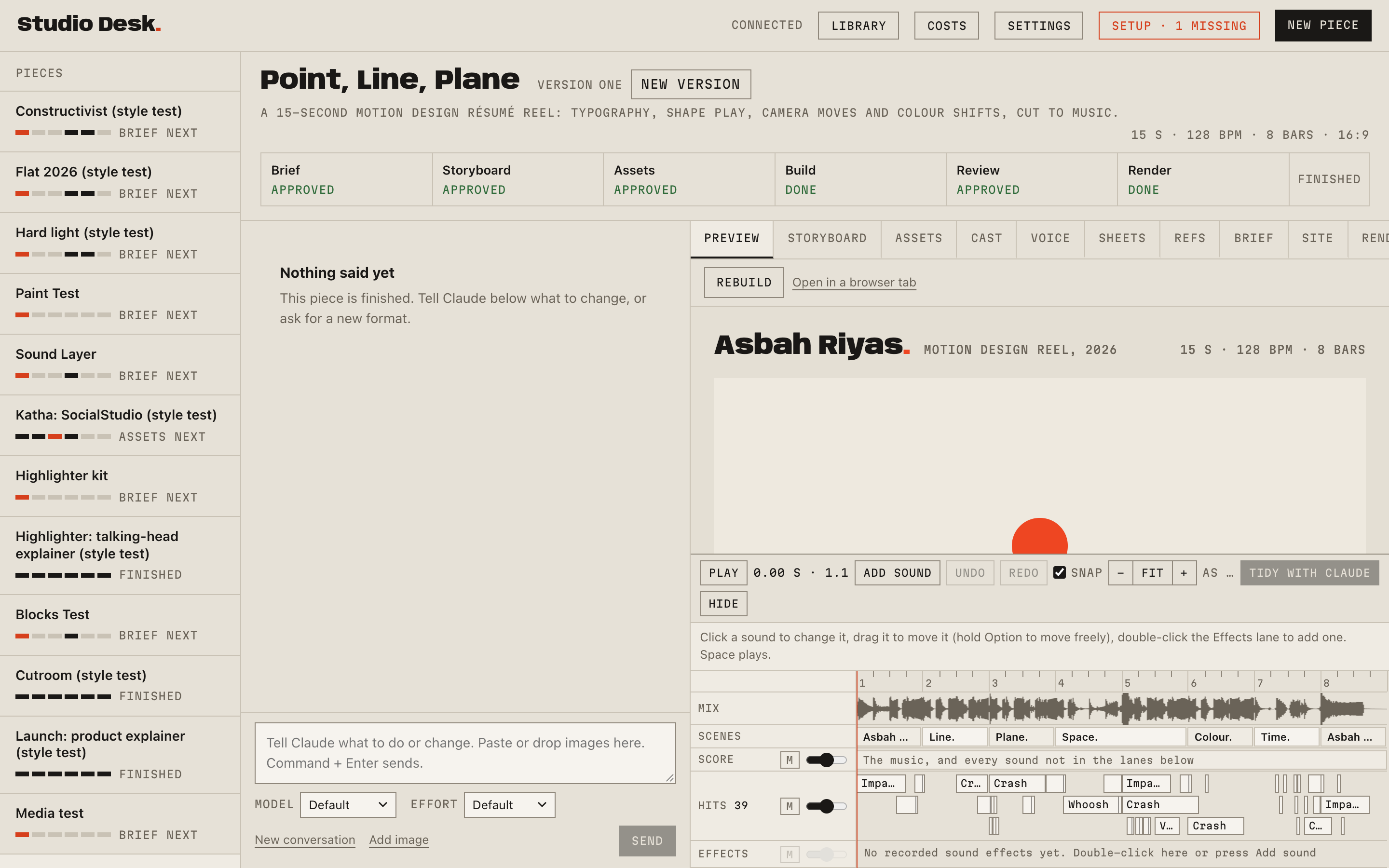
How a piece gets made
Six stages, one conversation. You sign off at each one, and nothing renders until you have watched the live preview.
- 1
Brief
Three concepts for your idea, with the hook, the arc and the length in bars. You choose one.
- 2
Storyboard
Every shot on the beat grid, with the words on screen and how each scene turns into the next.
- 3
Assets
Fonts, pictures, sounds and music, each with its licence: from the library, from free stock, or generated with your own OpenAI or Google key at a price shown first.
- 4
Build
The piece as code: HTML, CSS, canvas and Web Audio on one clock, so every frame is the same every time.
- 5
Review
Contact sheets, checks for safe areas, contrast, flashing and glitches, and the preview you watch and approve.
- 6
Render
MP4 in 16:9, 9:16 and 1:1, with posters and the soundtrack as a WAV, rendered on your Mac.
Also in it
- Edits of your own footage
- A talking clip transcribed, cut on the voice, reframed for each format, captioned, graded, with the takes to choose from and the b-roll on a timeline.
- Styles
- Named looks a piece can choose, each with its own kit: flat colour and kinetic type, paper collage, a talking-head explainer, hard window light, printed posters, flat vector. You can make your own from reference images.
- The library
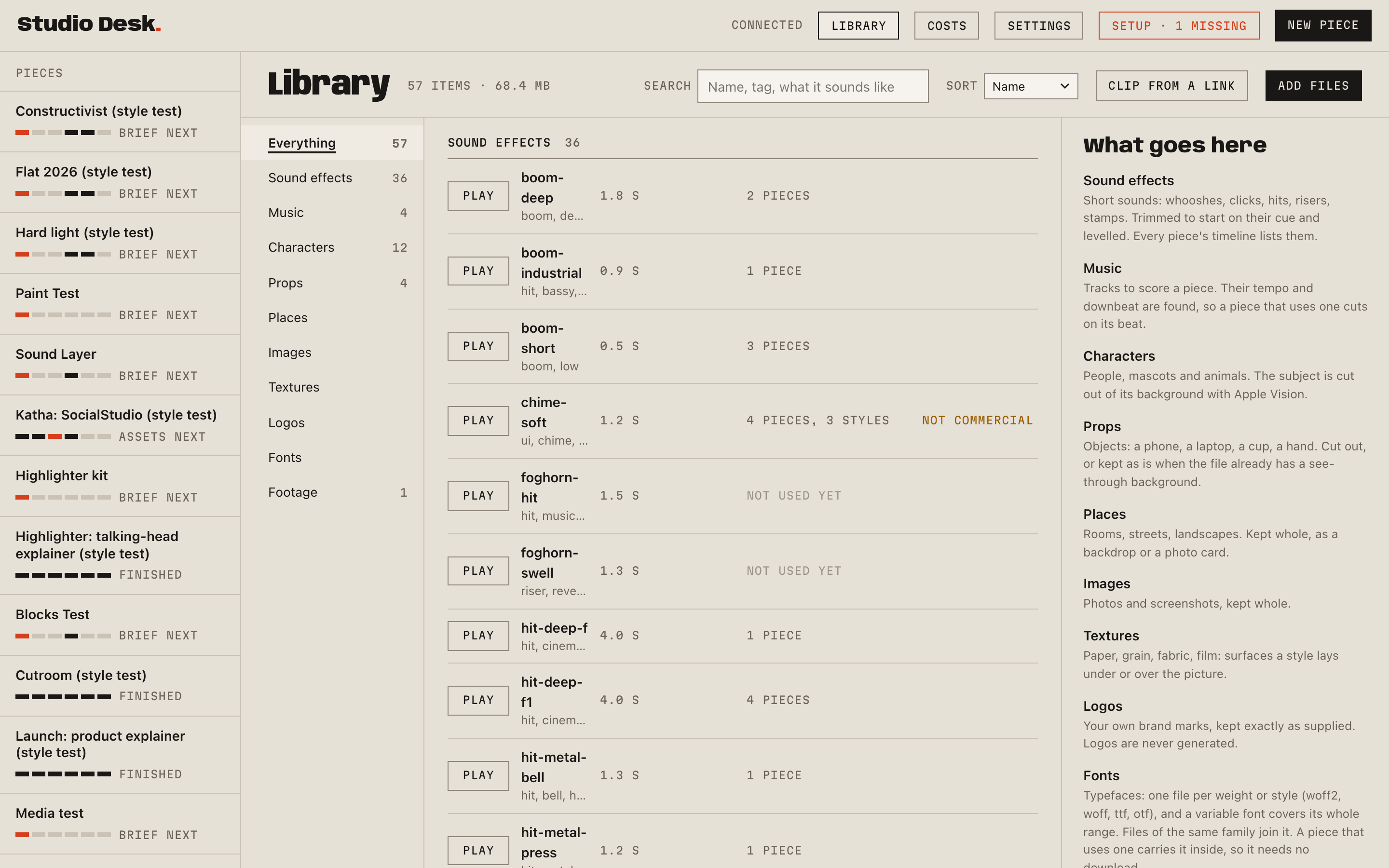
- Sound effects, music, pictures, footage and fonts with their licences. Clip from a link cuts a stretch of a YouTube, Instagram, X or Vimeo video into it, with the voice kept or taken out.
- Sound design from recordings
- Every effect is a real recording placed on the picture's own cues and checked for sync, loudness and audibility. The music is composed in code or taken from a track of yours.
- Narration and a presenter
- A script voiced by ElevenLabs, Google or OpenAI, or your own recording; a presenter lip-synced by HeyGen from a still, or your own face from your camera.
- References
- Other creators' videos found, ranked and studied, hook by hook, so the brief starts from what works on your topic.
What you need
A Mac with macOS 14 or later and Google Chrome.
A Claude plan (Pro or Max) and Claude Code signed in to it. Every message you send runs Claude Code on your Mac under your own account, so the work counts against your plan and never passes through us.
The Setup page installs the rest: ffmpeg, uv, the clip downloader, whisper-cpp and its model.
Paid extras are optional and use your own keys: OpenAI or Google for images, ElevenLabs, Google or OpenAI for voices, HeyGen for a presenter, fal, Google or MiniMax for generated footage. Each shows its price before it runs.
Install
- Download the disk image and open it.
- Drag Motion Studio to Applications and open it. It copies the studio into a folder called Motion Studio in your home folder and opens the desk in a Chrome window.
- The Setup page lists what the Mac still lacks and installs it. Sign in to Claude Code in the window it opens.
- Press New piece.
When a new version is out, the desk says so and installs it when you choose. Your pieces, library and settings stay.
Your work stays on your Mac
Pieces, library, settings and conversations live in the Motion Studio folder in your home folder. API keys go in the macOS Keychain. The desk is a local page that only your Mac can reach. The software has no account, no analytics and sends us nothing; what you make goes only to the services you choose to use, under your own accounts. Once a day it asks this site for the newest version number, with nothing about you attached. The privacy policy has the whole of it.